
Codex
Subscription quota
Multiple accounts & switching
Turn your Mac into a live dashboard for Codex, Claude and more.
Requires macOS 14 or later

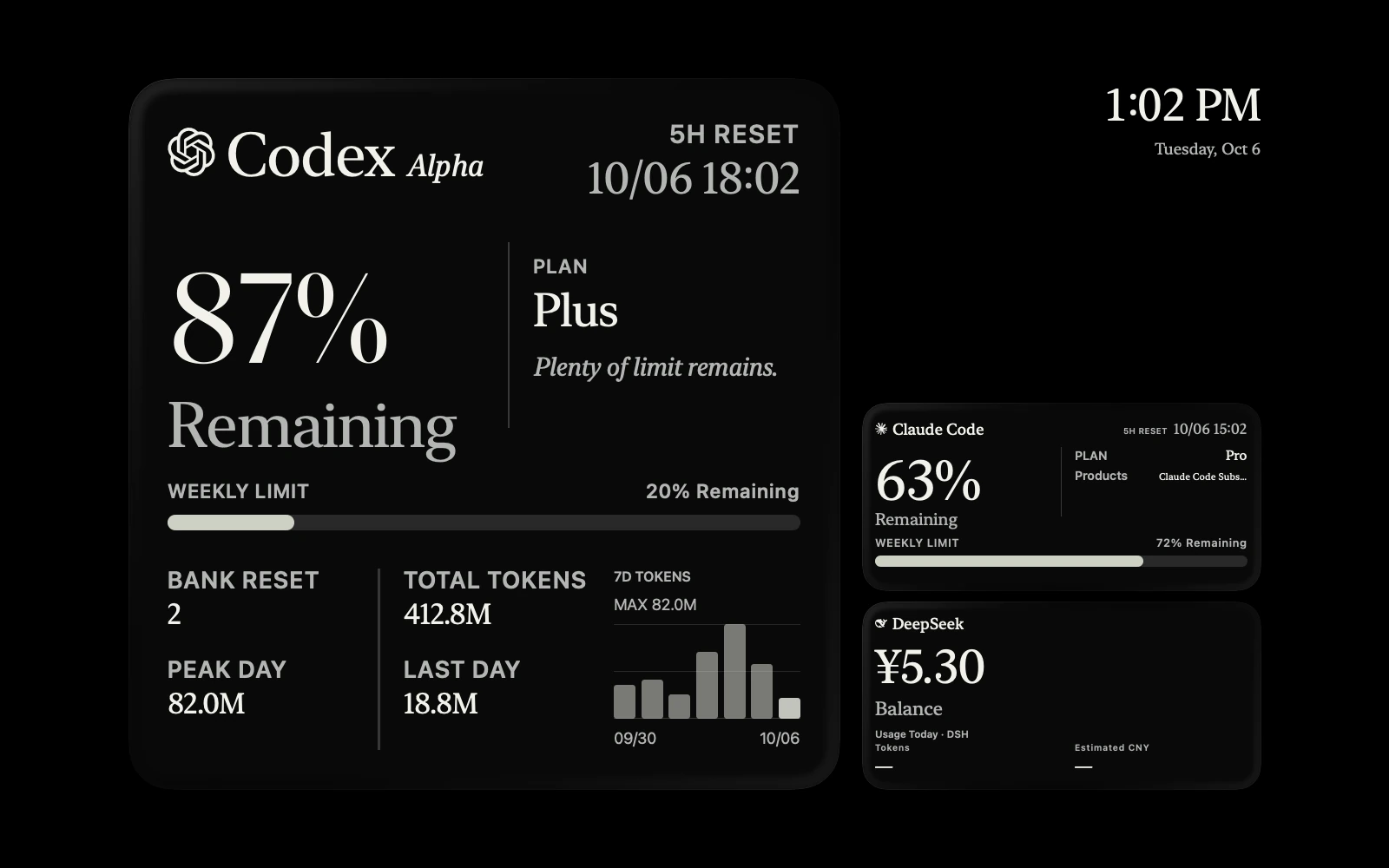
There when you need it. Quiet when you don’t.
The same limits, wherever you glance.
A screen saver that keeps you in the loop.
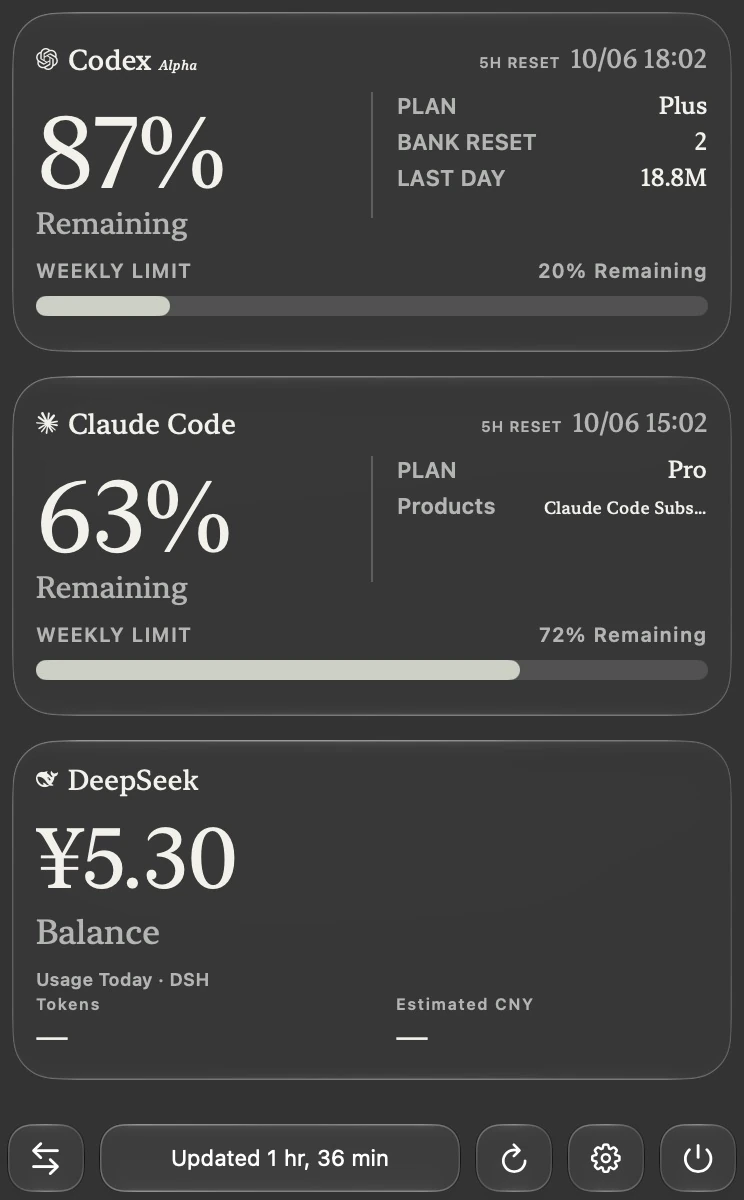
Your quota, one click away.
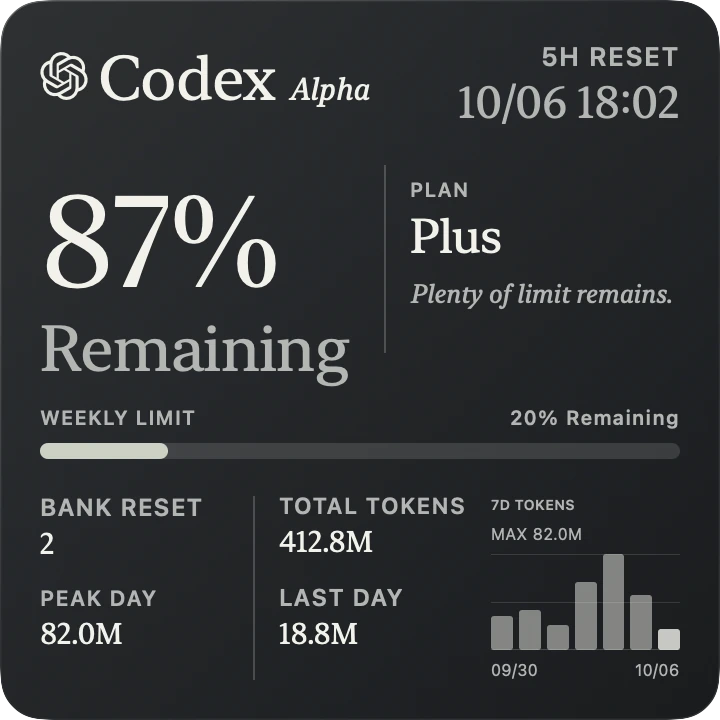
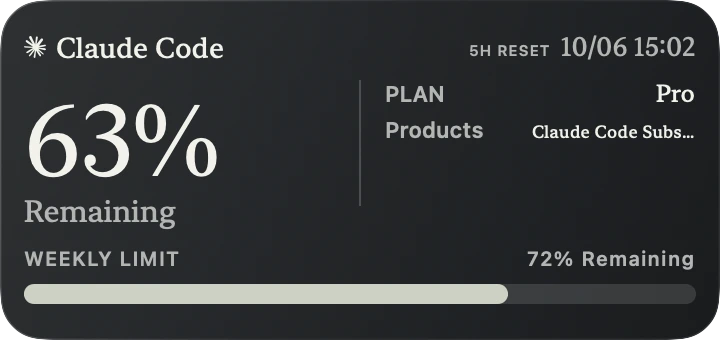

Small, medium, or large.
A little clarity in your corner.
Different providers. Different accounts.
One place to keep track.
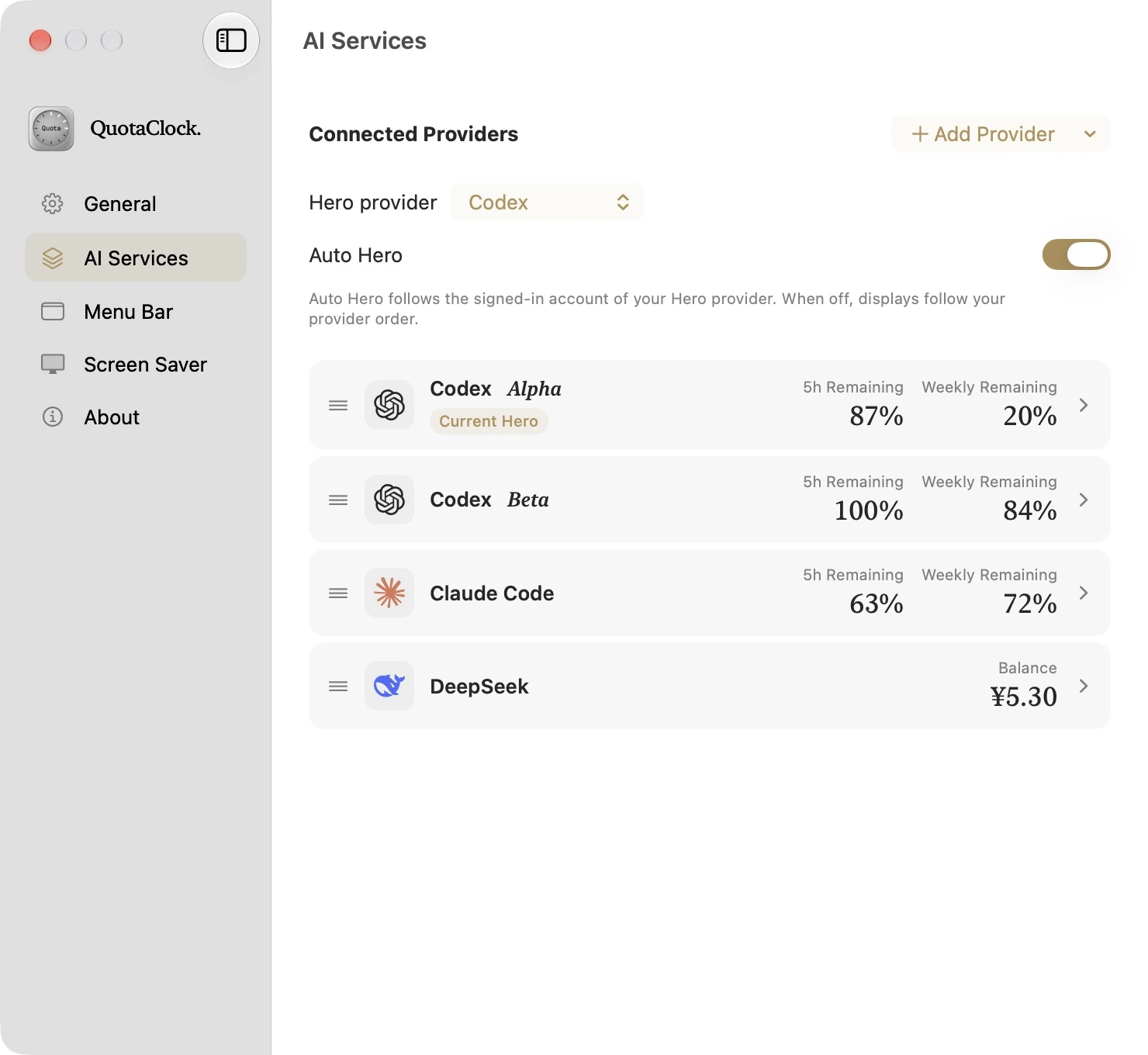
Open the switcher, choose another account, and QuotaClock takes care of the switch.
Let’s build something.Restarting Codex…Open the menu to switch accounts.
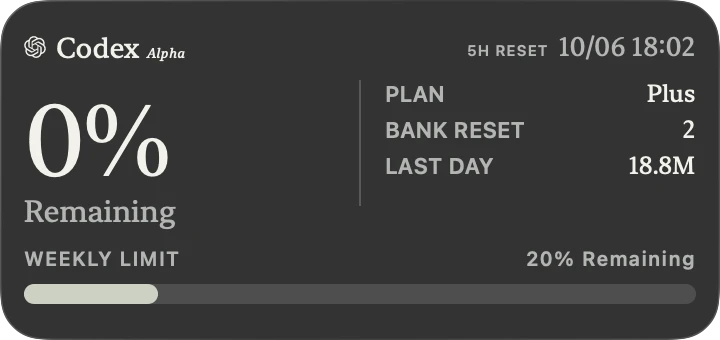
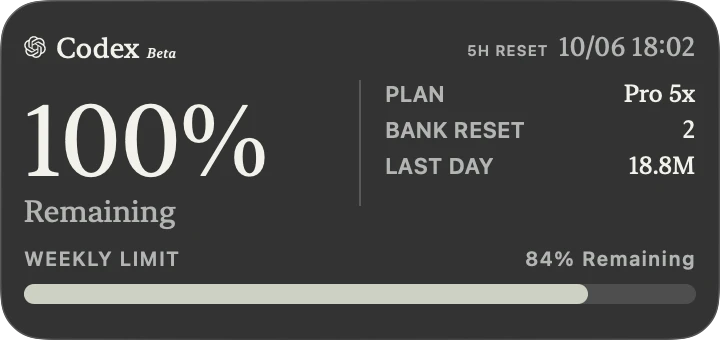
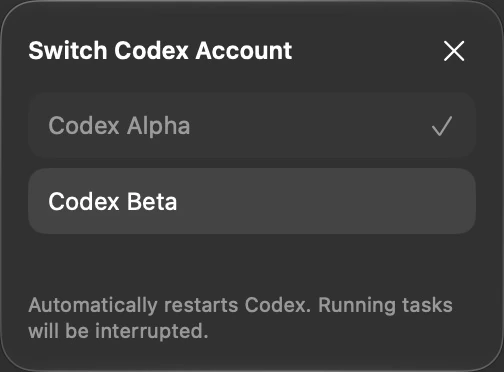
Try the switch icon, or play the walkthrough.
Subscriptions, coding plans, and API balances.
Keep the limits that matter in view.
Subscription quota
Multiple accounts & switching

Session & weekly limits
Desktop or Code CLI login

API balance
Connect with your API key

Coding Plan
Usage & reset windows

Kimi Code & Open Platform
China and international API

Coding Plan & Token Plan
Connect through the Bailian CLI
Native support covers the products above. Another 100 opt-in integration IDs are available through the pinned CodexBar engine; real-account coverage varies. Claude Desktop and CLI provide subscription quotas. Token statistics cover local Code logs, not ordinary Desktop Chat. Availability depends on your provider, plan and sign-in state.
View the provider catalog on GitHub ↗It belongs here. From the first glance to the last detail.
Built with Swift and SwiftUI.
The details are always within reach.
Your limits, even when your Mac is at rest.
Glanceable, right on your desktop.
At home in light or dark.
Know the moment your quota is back.
See how it works. Make it yours. Make it better.
Your accounts deserve software you can inspect.
macOS 14.0+ · Apple Silicon & Intel · v1.3.2
Developer ID signed; Apple notarization is not yet complete. Codex account switching restarts Codex, so finish active tasks first. macOS controls WidgetKit refresh timing.
Read the release notes ↗